From feed to kitchen

Save the recipe.
Not just the video.

Share a cooking video to Wrap. It reads the caption, voiceover, and text on screen — then builds the ingredients and steps for you.

Free · No account needed to start · iPhone, iOS 26+
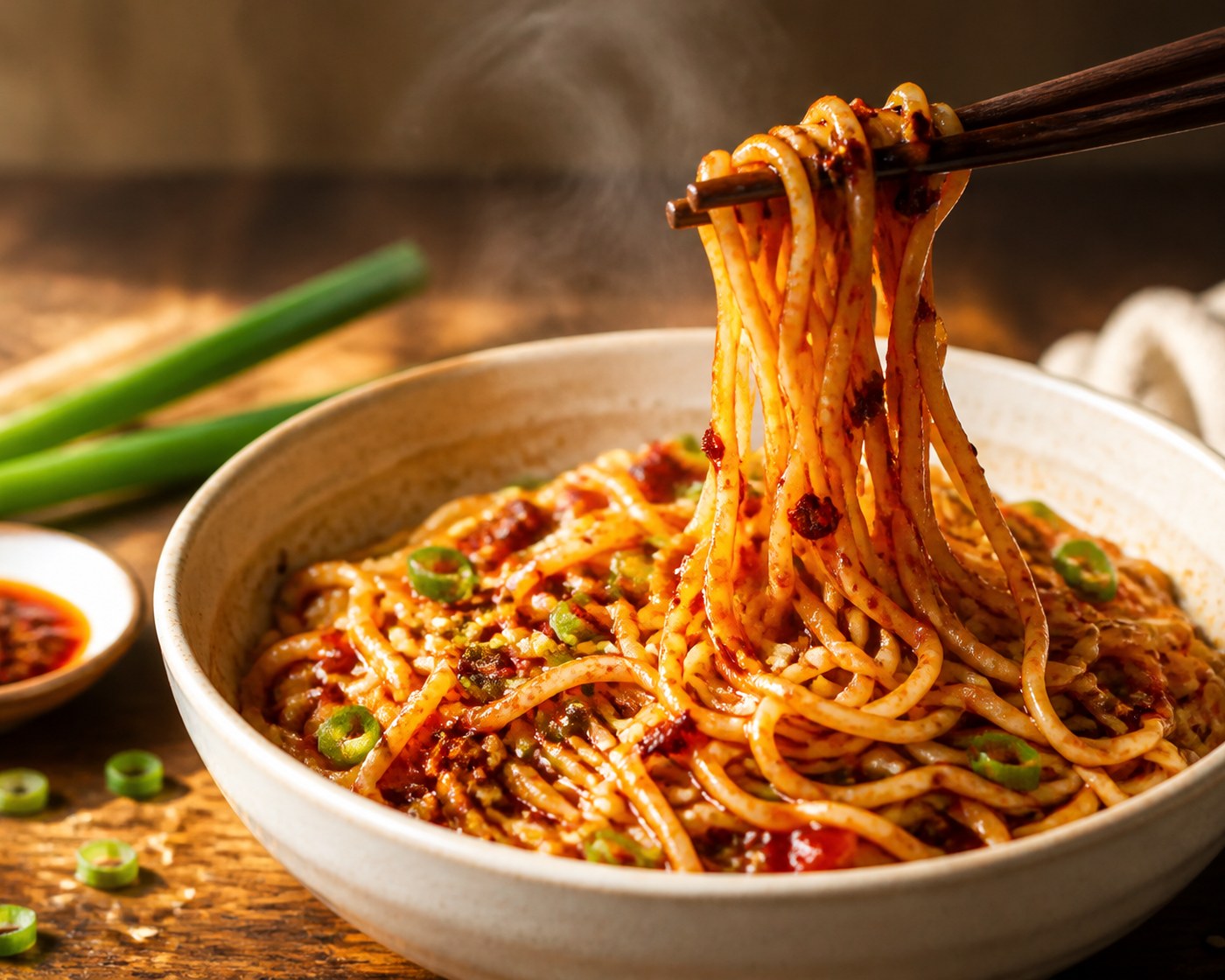
Glossy spicy chili oil noodles lifted from a bowl SAVED VIDEO

crispy chilli oil noodles 🌶

READY TO COOK15 MIN

Crispy Chili Oil Noodles

INGREDIENTS

Udon noodles200 g
Chili crisp2 tbsp
Scallions2

NEXT STEP

01 Toss the hot noodles with chili crisp until glossy.

How it works

Three taps between
scrolling and simmering.

From the share sheet to a finished recipe card.
01

Share it

Found a recipe in your feed? Hit share, tap Wrap. That's it — go back to scrolling. No copy-pasting, no screenshots, no "link in bio" archaeology.

02

Wrap extracts it

Our AI pulls the full recipe — title, ingredients with amounts, numbered steps, timing, servings — and grabs a cover image while it's at it.

03

Cook it

A push notification tells you it's ready. Open a clean recipe card, flip into Cook Mode, and follow along step by step with built-in timers.

Download on theApp Store

Free · Import your first recipe in about fifteen seconds

The extraction engine

It listens harder
than you do.

Most recipe videos never write the recipe down. Wrap digs through three layers until it finds it.

Tier 01

The caption

If the creator wrote the recipe out, Wrap reads it straight from the post — done in seconds.

Tier 02

The voiceover

No caption? Wrap transcribes the audio and pulls the recipe from what the creator says — "a knob of butter, two cloves of garlic…"

Tier 03

The on-screen text

Still missing pieces? Wrap watches the video and reads the ingredient overlays and step text burned into the frames.

Features

A recipe box,
not another feed.

01

Share-sheet import

Wrap lives in your share sheet. Import from Instagram, TikTok, YouTube, Reddit, or any recipe site without leaving the app you're in.

02

Cook Mode

Full-screen steps, one at a time, with timers built in. Made for propped-up phones and messy hands.

03

Your recipes leave with you

Copy any recipe to your clipboard as plain text and paste it into Notes, a message, anywhere. No export ransom, no lock-in.

04

Shopping list

Send a recipe's ingredients to one list, sorted by aisle. Shared items merge, checks are thumb-sized, and the screen stays awake in the shop.

05

Collections

Weeknight staples, project bakes, "someday" — organize your recipes into collections that make sense to you.

06

Favorites

One tap to heart the keepers, so the recipes you cook on repeat are never more than a swipe away.

07

Search & filter

Find "that noodle thing" by title, ingredient, or source. Filter by favorites or collection in one tap.

08

Ready when you are

Imports run in the background and ping you when the recipe card is ready. Fire, forget, cook later.

Before you download

The things
people ask first.

Do I have to connect my Instagram account?

No — and Wrap never asks for the login. It has no access to your account at all. You share a post to it, and it reads that post.

Is it free?

Yes, and you can start without making an account. A paid tier is coming eventually — we would rather say so than surprise you — but anything you have already saved stays yours and stays unlocked.

What if the creator never writes the recipe down?

That is the whole reason Wrap exists. When the caption is thin it transcribes what the creator says out loud, and when that still is not enough it reads the ingredient text burned into the video itself.

Will the creator know I saved it?

No. Your imports are private to you. Wrap keeps a link back to the original post, so you can send the creator the view they earned.

Can I get my recipes back out?

Any recipe copies to your clipboard as plain text, ready to paste into Notes or a message. Your recipes are not hostages.

Which iPhones does it run on?

Anything on iOS 26 or later. It also runs on Apple silicon Macs. There is no Android version and none planned.

You already saved
the recipe.

Wrap is the part where you actually cook it.

Download on theApp Store

Free · No account needed to start · iPhone, iOS 26+

Support

Need a hand?

Stuck import, wonky recipe, feature idea — we read everything and reply fast. You can also browse the FAQ.